
Quickstart
How to install the launcher and get started.Install
Get the installer for your system from the official website or the GitHub releases page.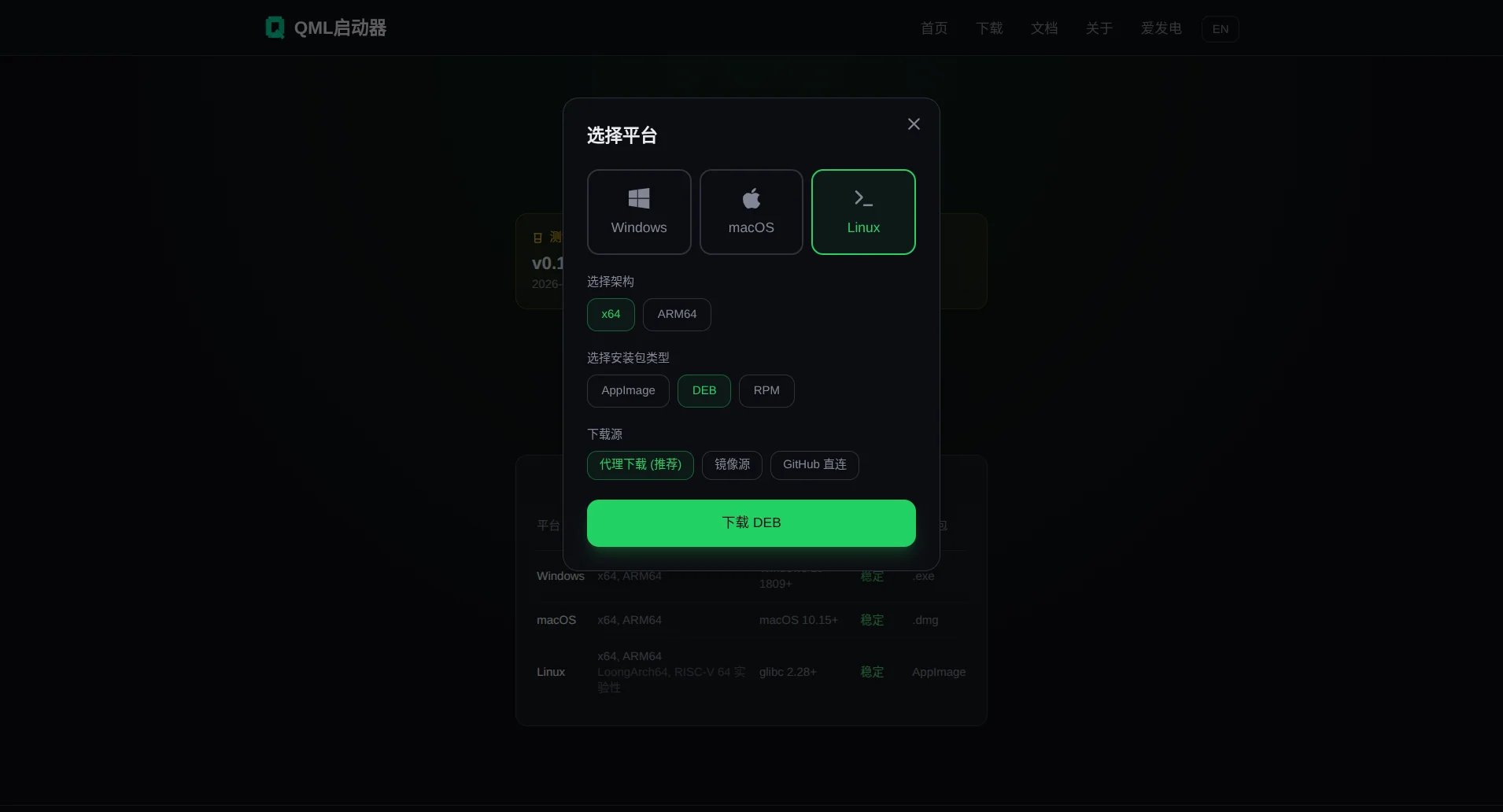
- In mainland China, the first and second sources are recommended; outside China, the third
Quick start
- Windows — Run the
.exeinstaller and follow the wizard. Launch from the Start menu when it finishes. - macOS — Mount the
.dmgfile and drag Qomicex Launcher into Applications. On first launch, allow it under “Security & Privacy”. - Linux — Run the
.AppImage(chmod +xit first, then run it directly), or install the.deb/.rpmpackage with your package manager.
Requirements
Next steps
- Complete the setup wizard on first launch: see First start
- Browse the User guide